-
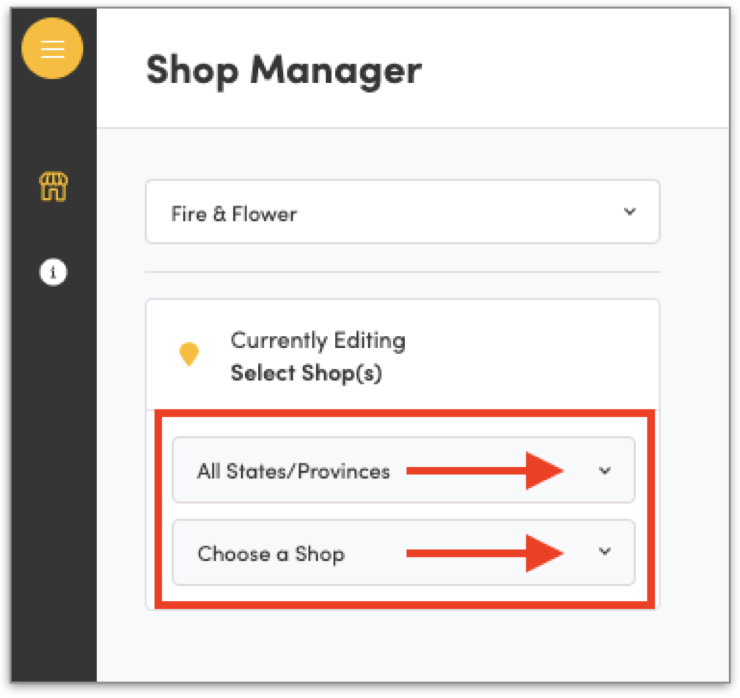
Login to Hifyre Retail and launch Shop Manager & select the correct brand/shop location from the drop-downs & click Load Selection:
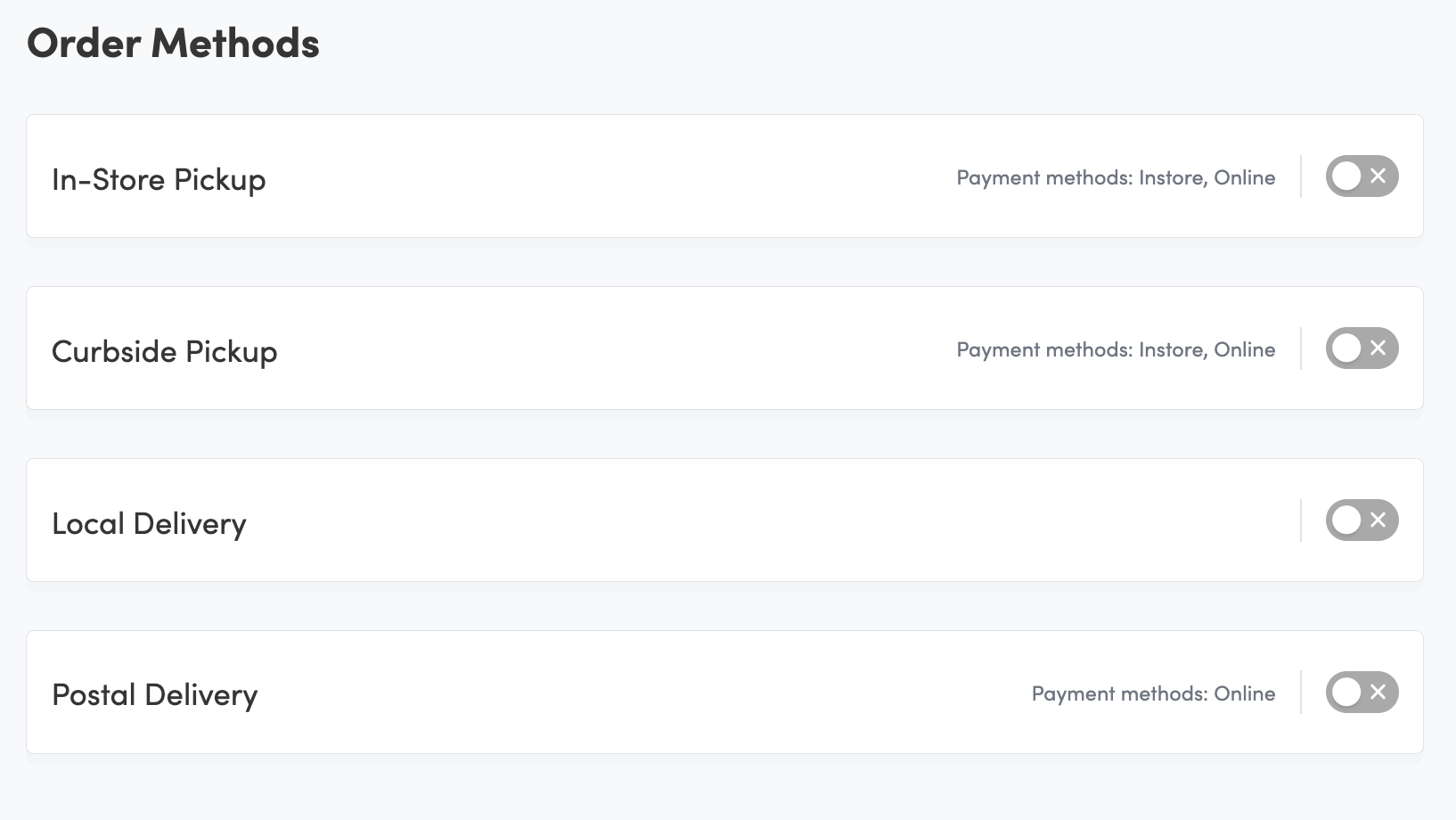
2. Select Order Methods and Toggle on your Delivery Method (Local Delivery, Postal Delivery)
Postal Delivery (Canada Post)
Fill in the first section with the appropriate messaging
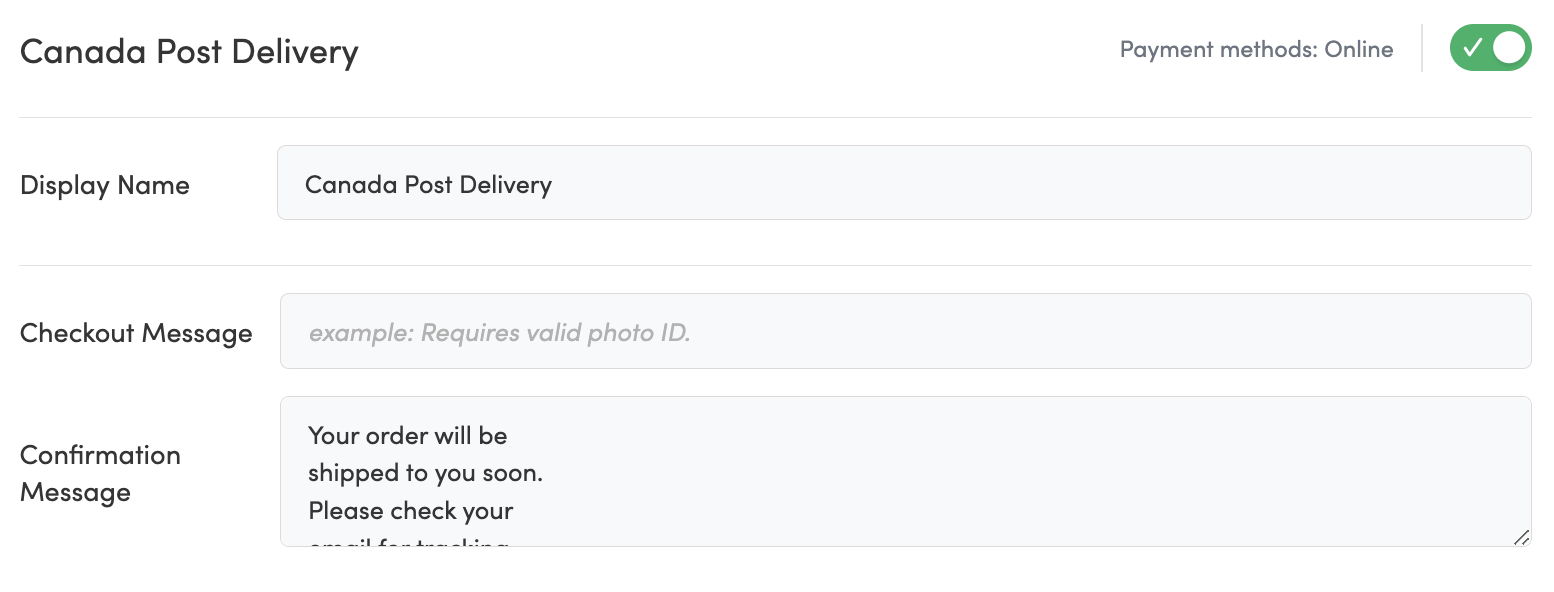
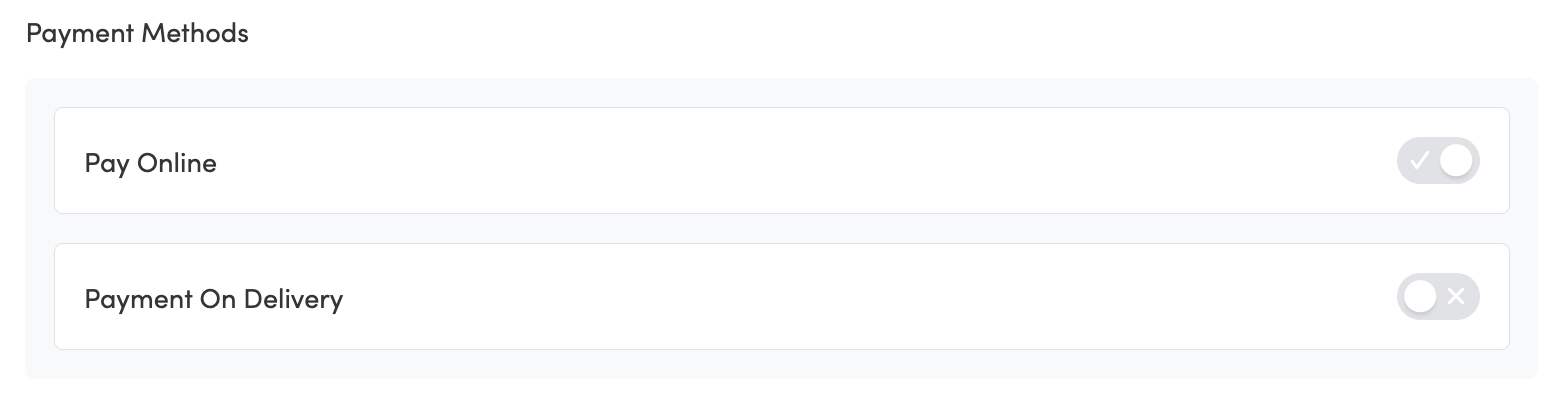
Unlike Local Delivery, no payment methods are need to be selected for Postal Delivery
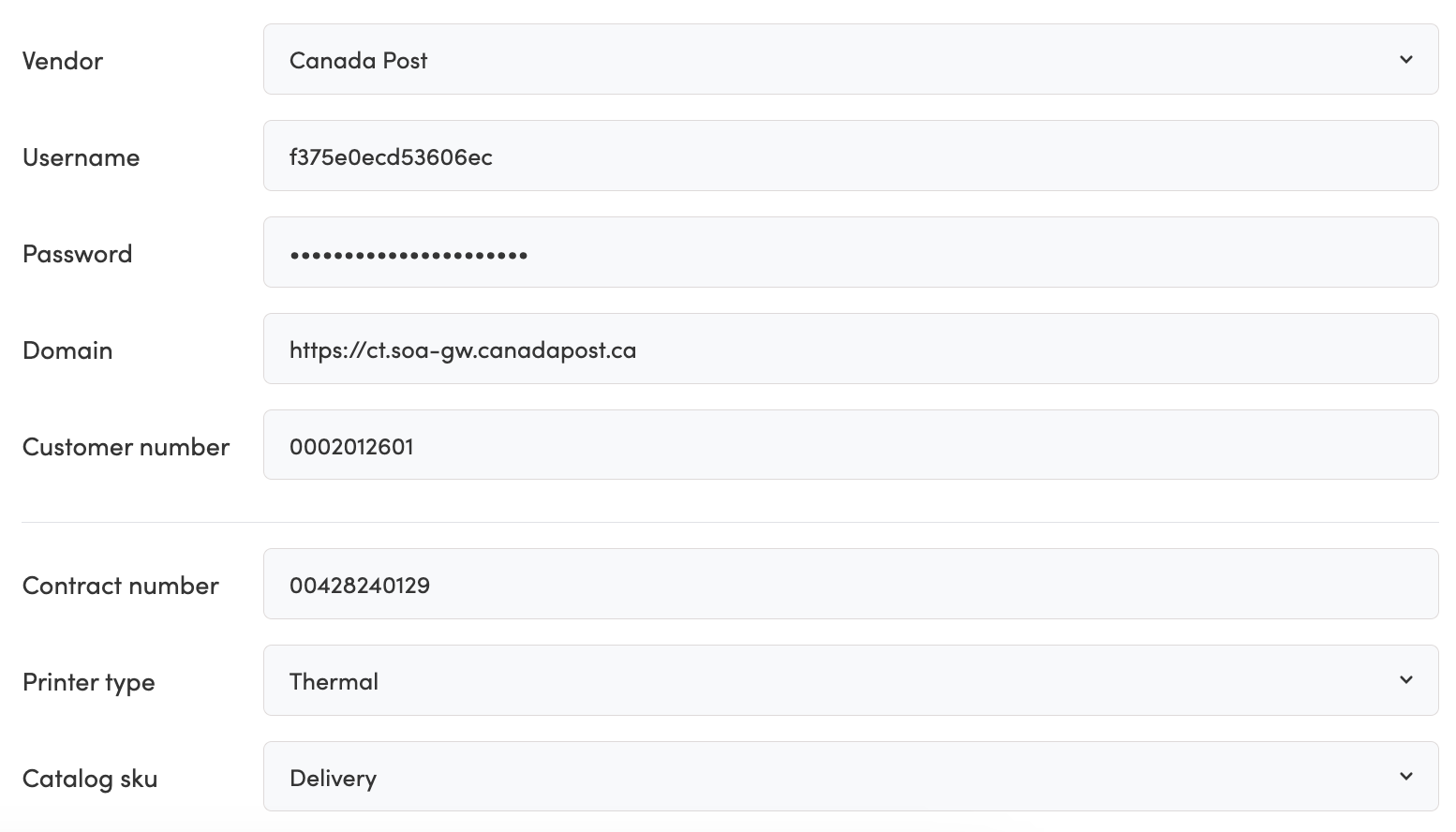
Select the Vendor (only Canada Post for now), fill in the available fields and Save
Once the above fields are correctly filled in, Change to the Delivery Settings Tab
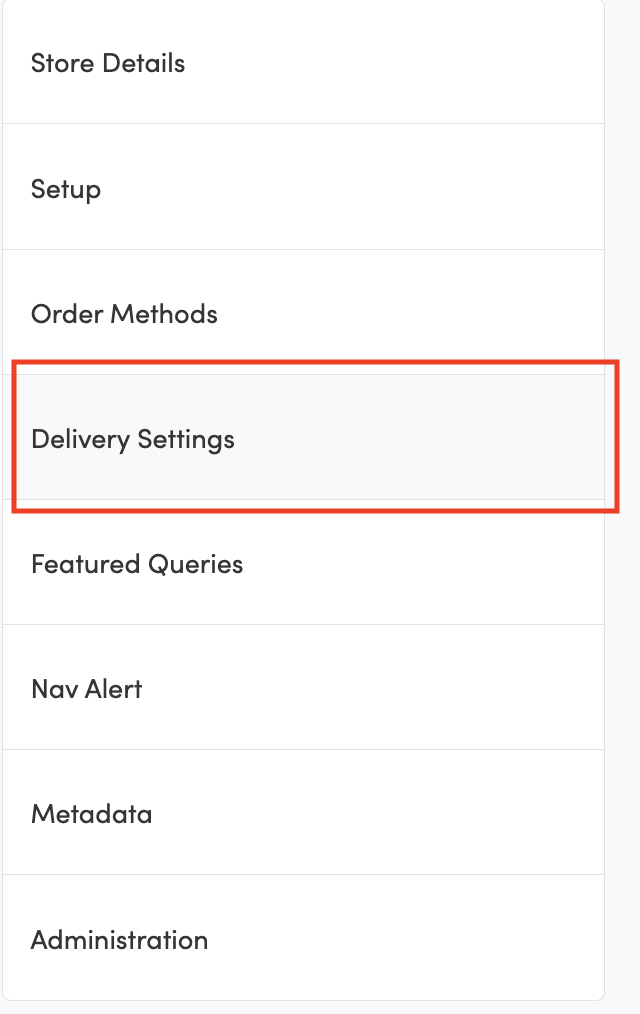
At the top of the Delivery Settings page, select which Delivery Method to update

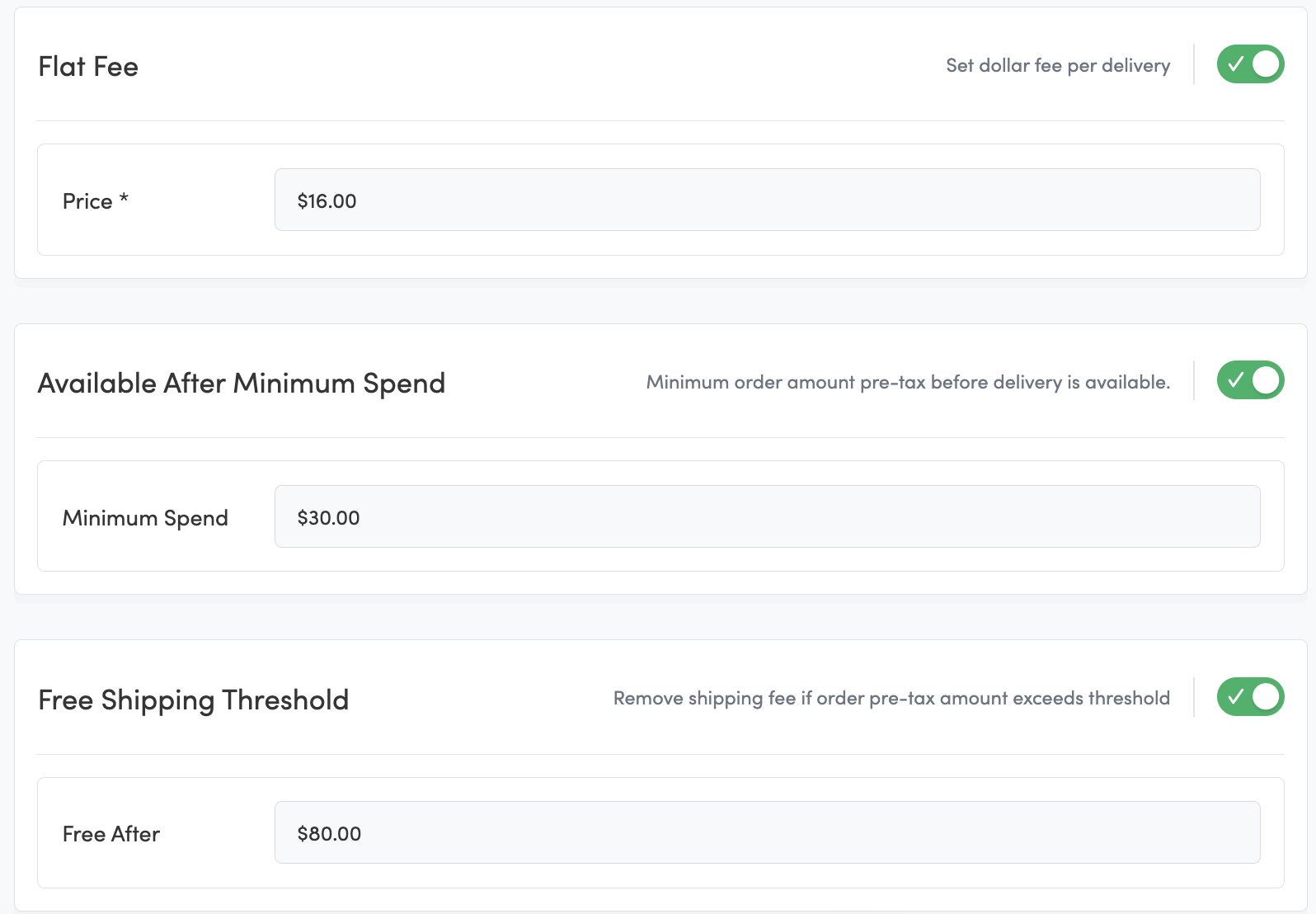
Toggle on or off the Flat Fee, Available after Minimum Spend, and Free Shipping Threshold as needed.