When signing customers up through Clienteling, shop employees can see at the top of the Spark sign up page which store they are currently set to:
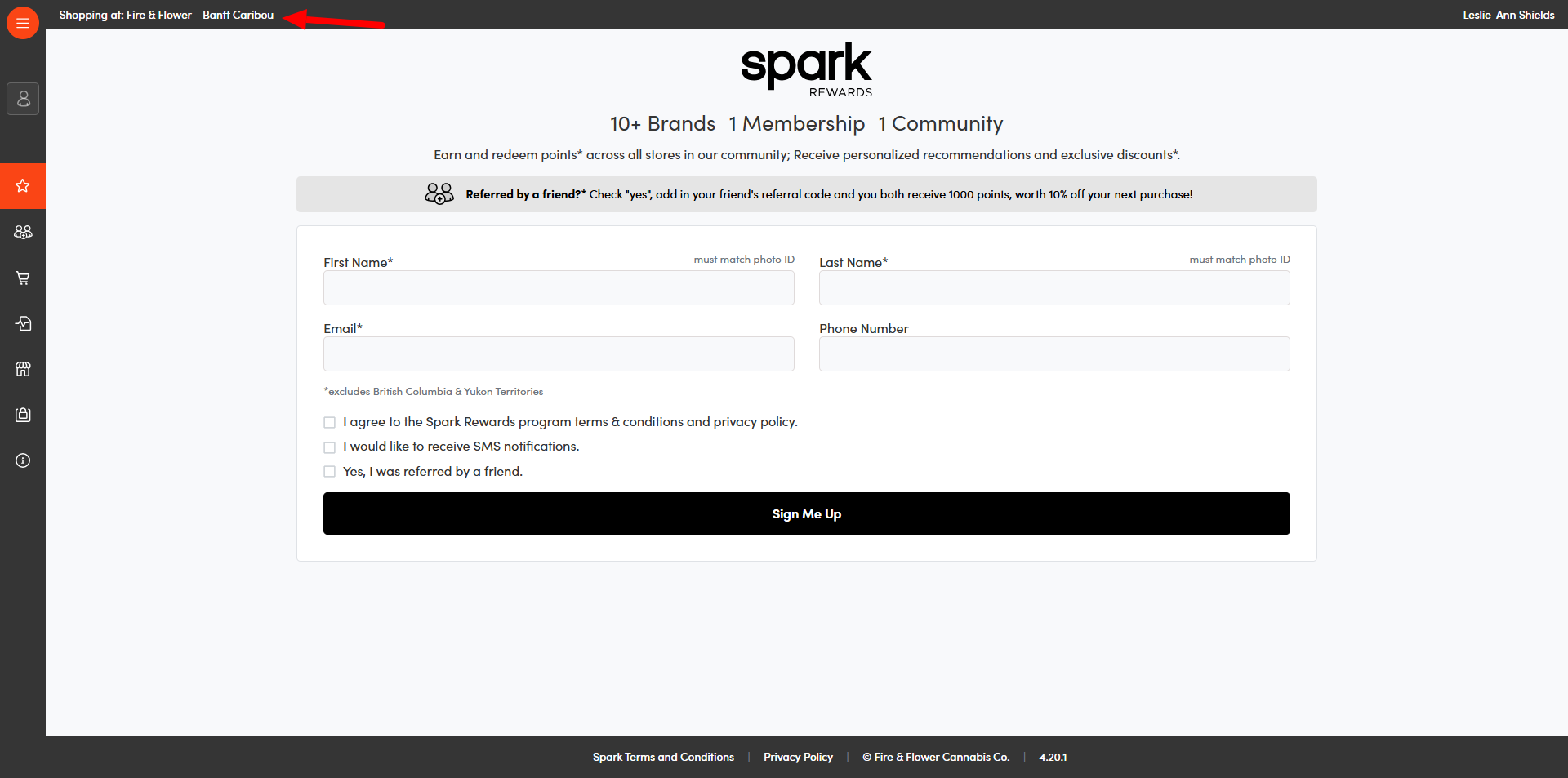
Employees should always confirm they are set to the correct store when signing in new customers. If an incorrect shop is listed, the home shop will need to be properly setup through the Management area. ** see Hifyre Account Creation
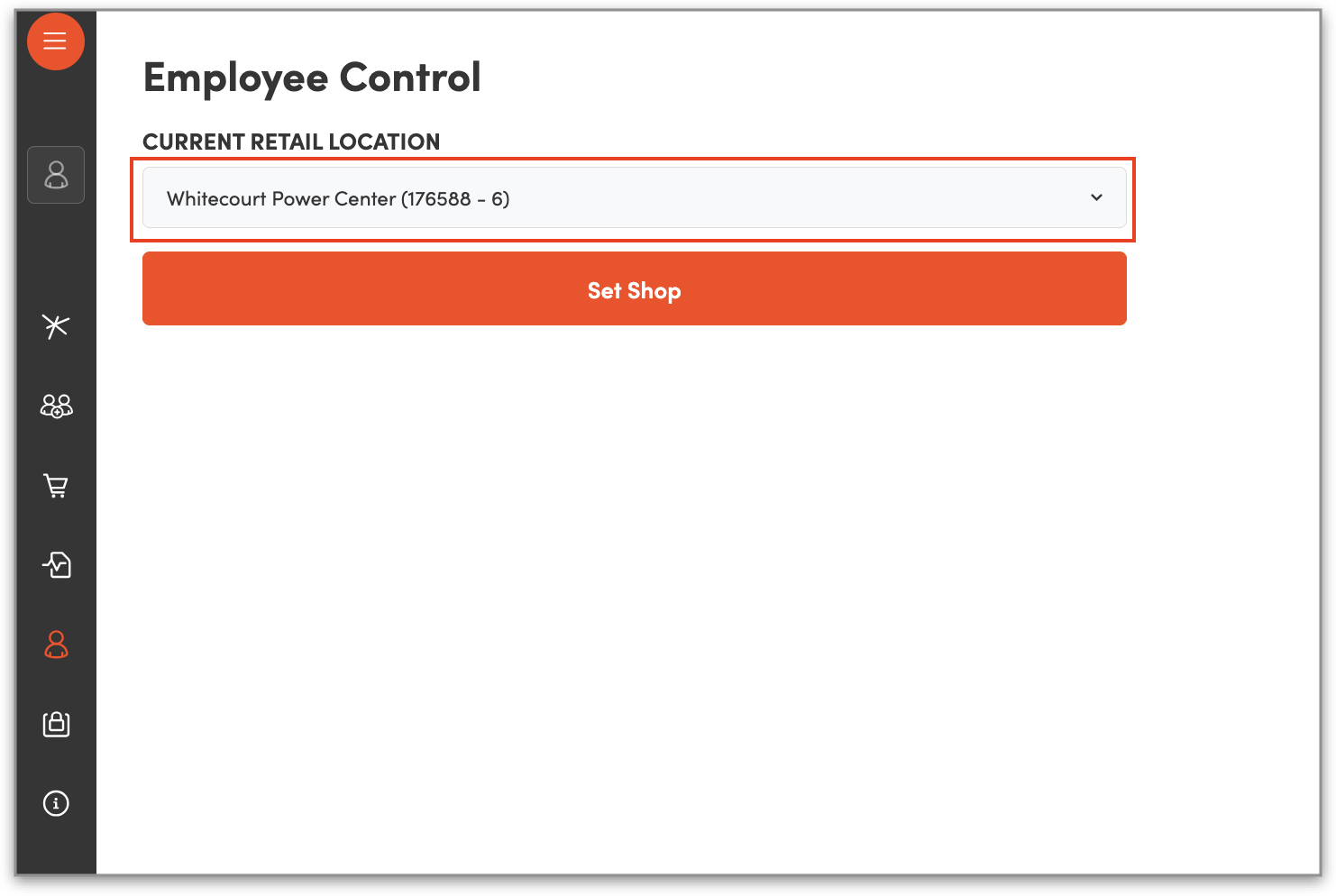
As a temporary workaround, within Clienteling, you can click on the employee control icon from the left-hand side panel to select the correct shop from the dropdown and click ”Set Shop” to temporarily change your store: