
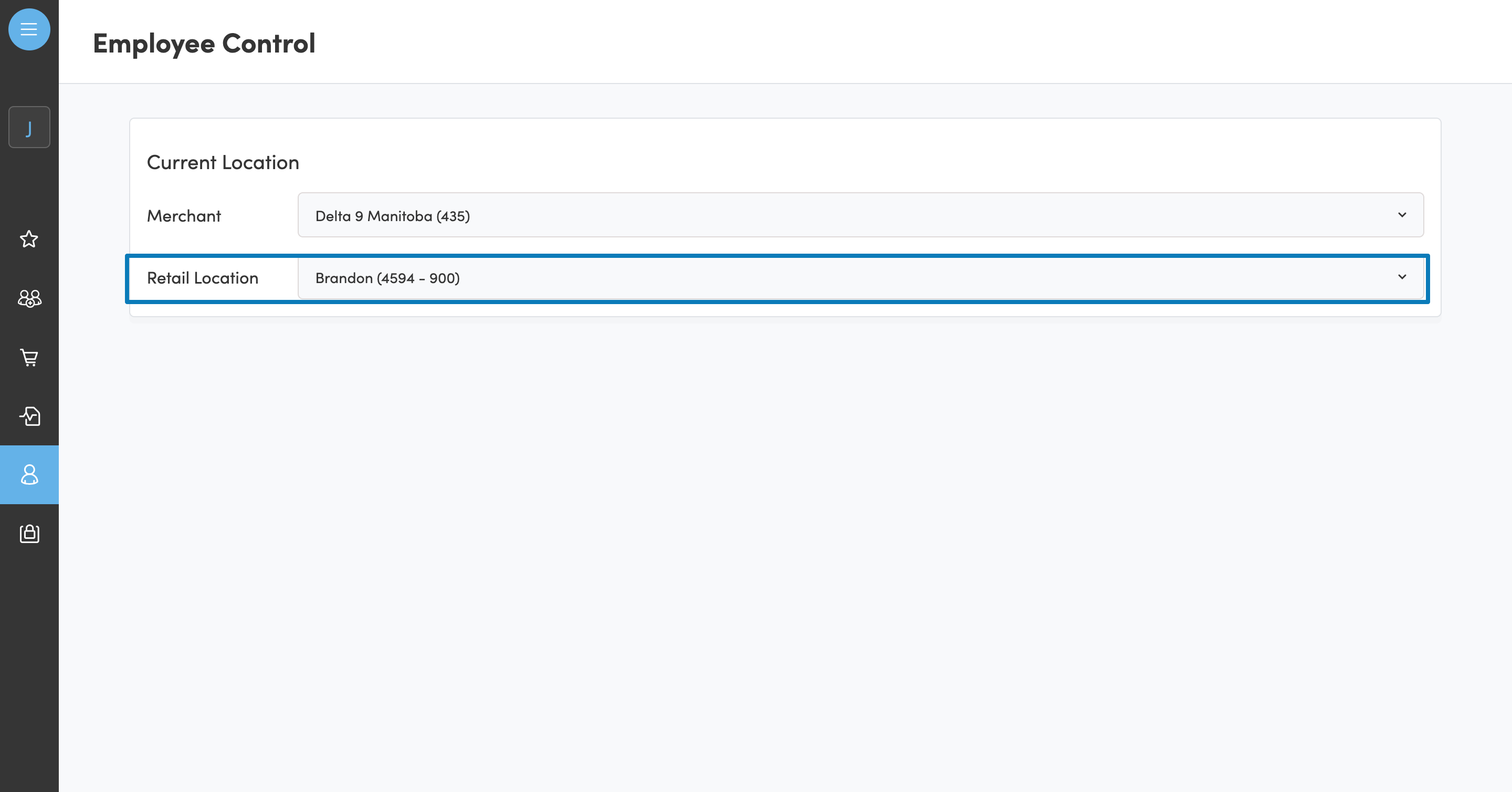
My store location is routed to the wrong store. How do I change this?
Navigate to Clienteling, select Employee Control Tab.
Select the correct location in the dropdown.
How do I reset my Hifyre password?
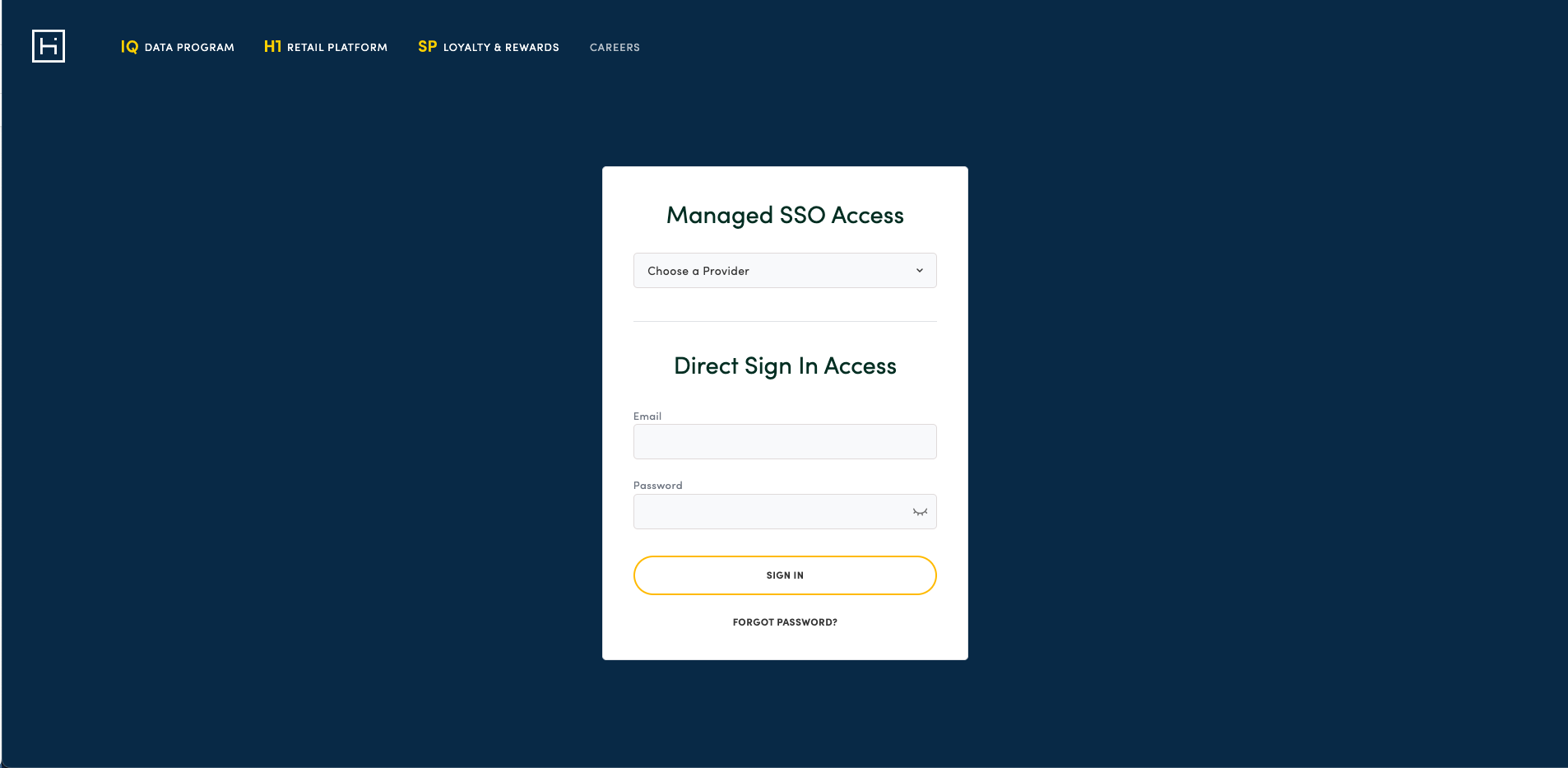
If your login is managed by IT - log in via SSO access - send your request through SysAid for password resets.
If you directly sign in, you can reset your Hifyre password directly through the sign-in page.
If your Hifyre username is not your active email, you can send an email to help@hifyre.com
One of my employees left the firm. What do I do?
DMs/SMs are responsible for managing their employees. If an employee left the firm, you can navigate to their account via the Management Module, and toggle the account to Inactive.
My employee forgot their password.
-
Employees can trigger a password reset from the login page.
-
Active Email: Clicking the Reset Password button, can trigger a reset password email
-
Hifyre Account: You can reset their password by giving them a dummy password and saving changes.
My employee is switching home stores. How do I edit their location?
You can change the home shop from the dropdown field. Note that you will only have access to stores within your Merchant/Brand.