Data Explores
Saving & Scheduling
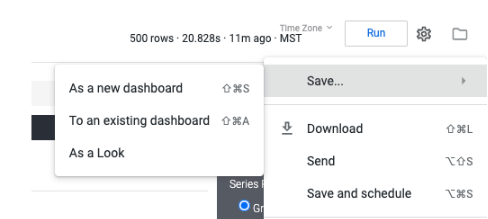
Beginning with navigating to the cogwheel at the top right-hand corner, you can hover over ‘Save’ to see the various saving options.
Saving Looks
When saving as a look, this will create a stand alone explore report of the data table (visualizations will not be applied).
Saving Dashboards
The created report and visualization can be added to an existing dashboard via the selected visualization at the time of saving. This can be saved to a new dashboard which you would name and save in a specified location, or can be added as a new tile at the bottom of the existing dashboard alongside other visualizations.
Report Scheduling
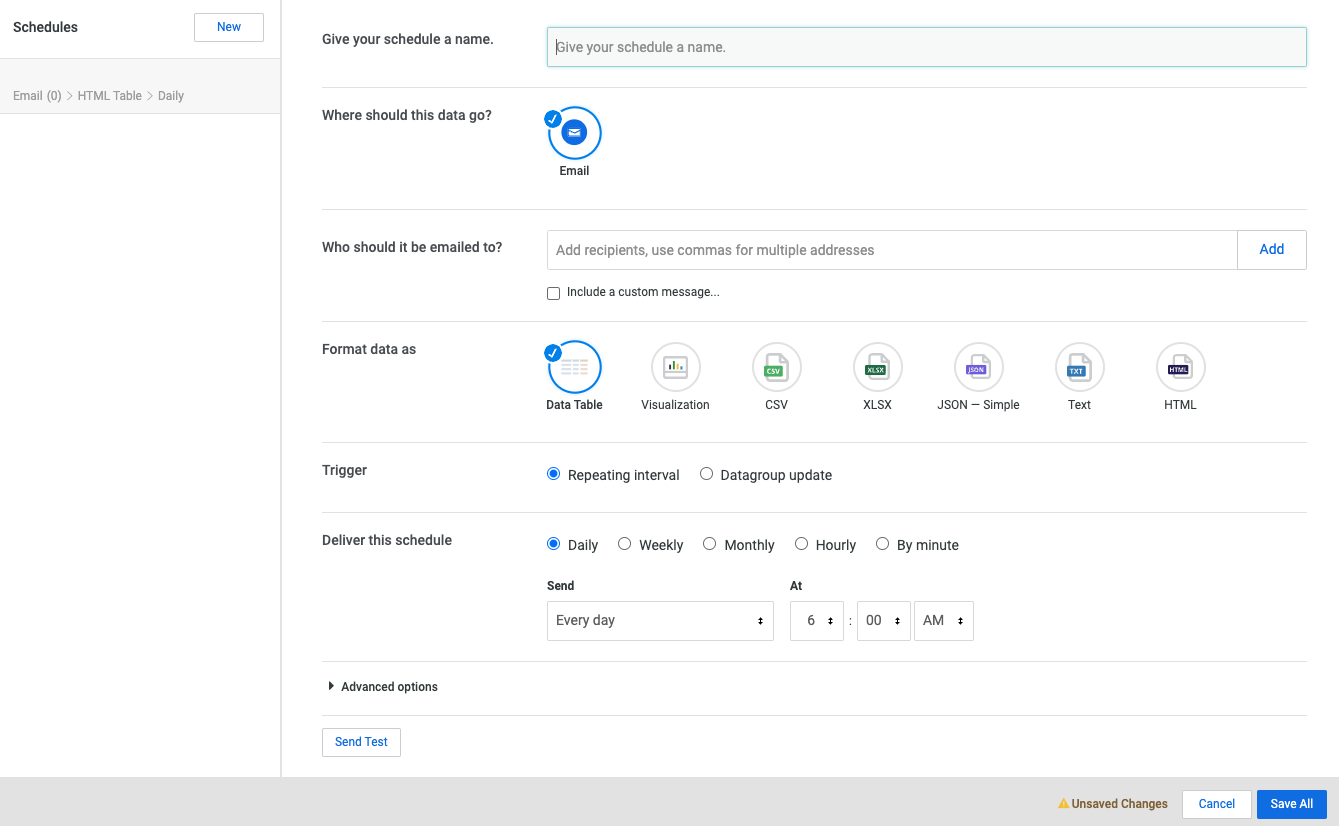
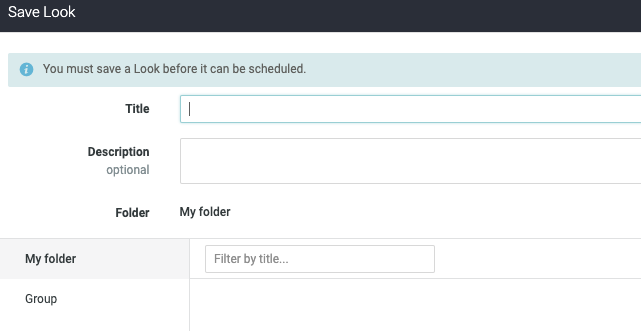
Explore reports can be scheduled via email to specific addresses on a schedule. In order to schedule, it must be saved as either a look or part of a dashboard.